Playnite
GameVault+ integrates with Playnite through the Playnite Library Extension. It lets you browse, launch, and install GameVault titles from Playnite.

Setup Guide
Prerequisites
Before you start, make sure you are logged in to GameVault+ in the GameVault client.
Download the Extension
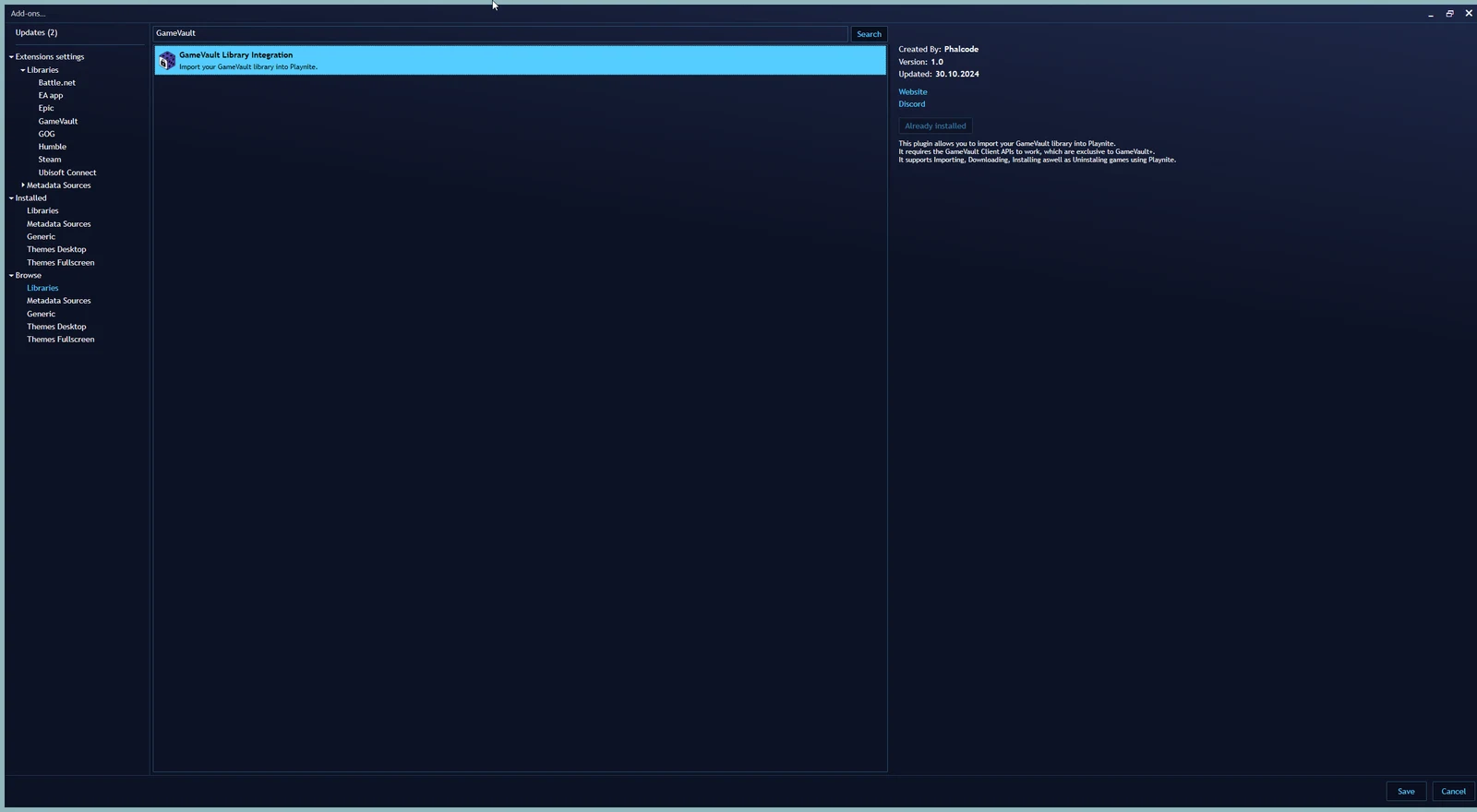
- Open the Add-ons... menu in Playnite using the F9 key or the context menu on the top left corner.
- Select Browse -> Libraries
- Search for GameVault and download the GameVault Library Extension.
- Restart Playnite if necessary.
Alternative Download Methods
You can also download the extension from our GitHub Releases or the Playnite website directly.
Communication with the Client
As of client version 1.17.1 and extension version 1.2, all communication goes through the Client API or the gamevault:// protocol.
You do not need a separate Playnite login. The extension reads the game list from the server linked to the currently logged-in GameVault client profile.