Installing on Windows
GameVault 2 ships a *-setup.exe installer for Windows 10 and 11. It is in
public beta: crashes and missing features are expected, see the
overview for the status. Download it from the
download page or from
GitHub Releases.
Requirements
- Windows 10 or 11.
- Free disk space for the download and installation folders.
Installation
- Run the
*-setup.exeinstaller. - If SmartScreen blocks the start, choose More info → Run anyway. The binary is not code-signed.
- Start GameVault from the Start menu.
First start
- Add your server in the login window. See Connect to a server for sign-in, sign-up and SSO.
- Open Settings → Downloads and pick a download and an installation folder. GameVault creates the per-game structure inside them.
- Download a game from the library.
Verify
The library shows your server's games after login, and a downloaded game appears in the downloads tab with a progress bar. If the library stays empty, work through Troubleshooting.
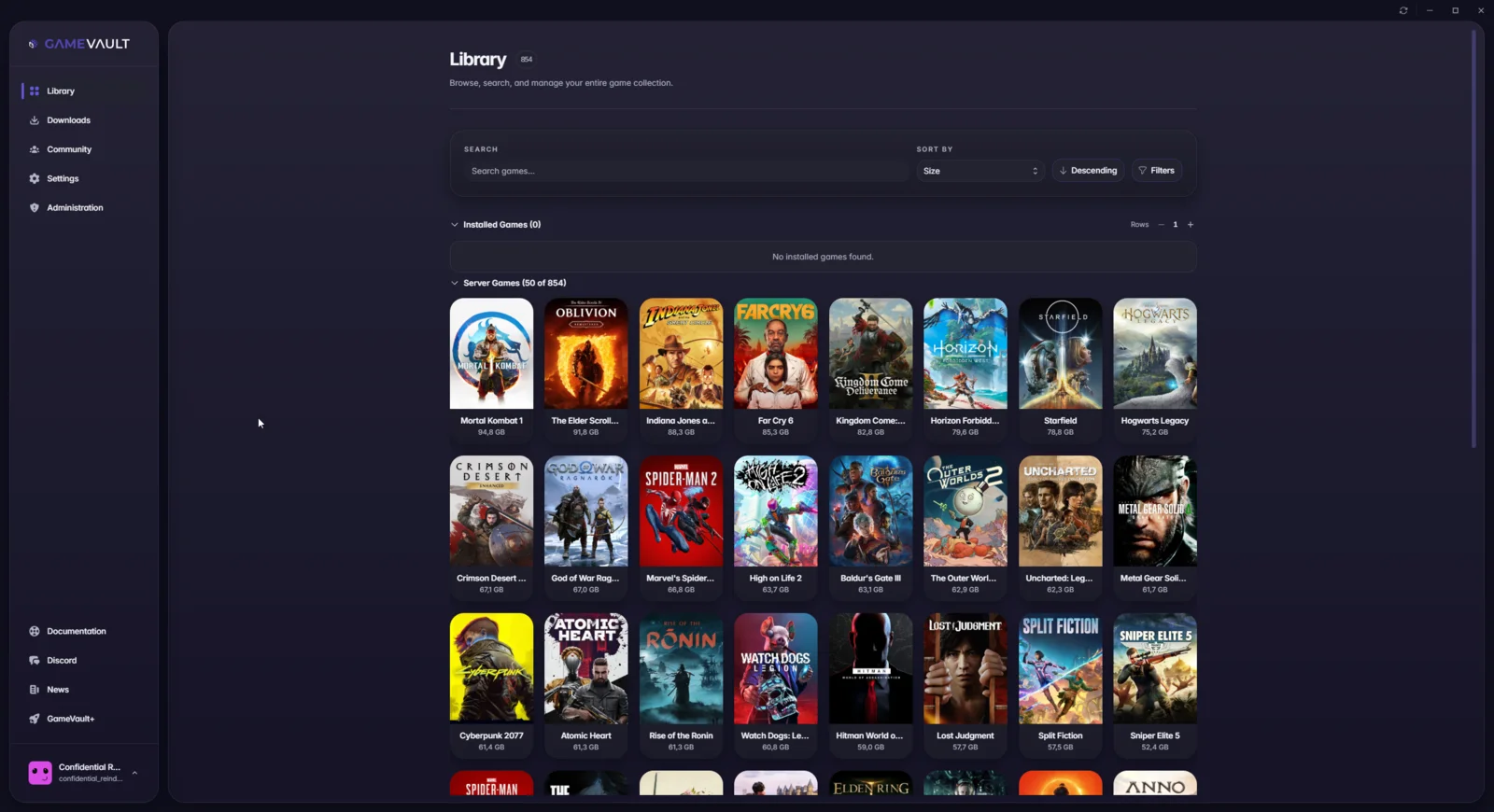 A fresh install shows the server games and an empty installed section