Themes
GameVault 1 ships with three themes and can load community and premium themes. Pick one in Settings → Application → Theme.
note
This page covers GameVault 1. GameVault 2 currently ships light and dark themes only.
Free themes
- Default (Dark): the default theme from the 2024 GameVault rebrand.
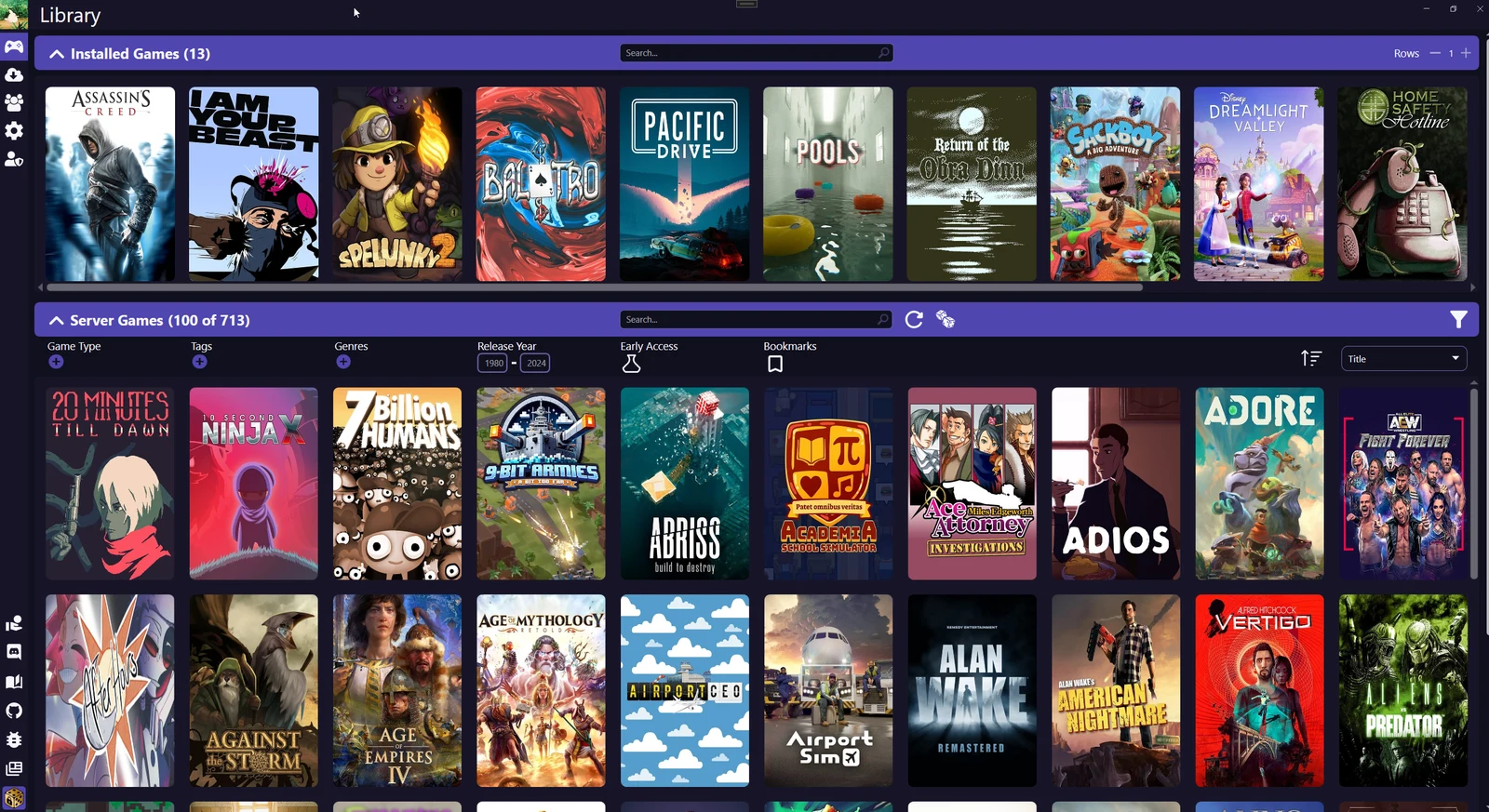
- Default (Light): the light variant of the same rebrand.
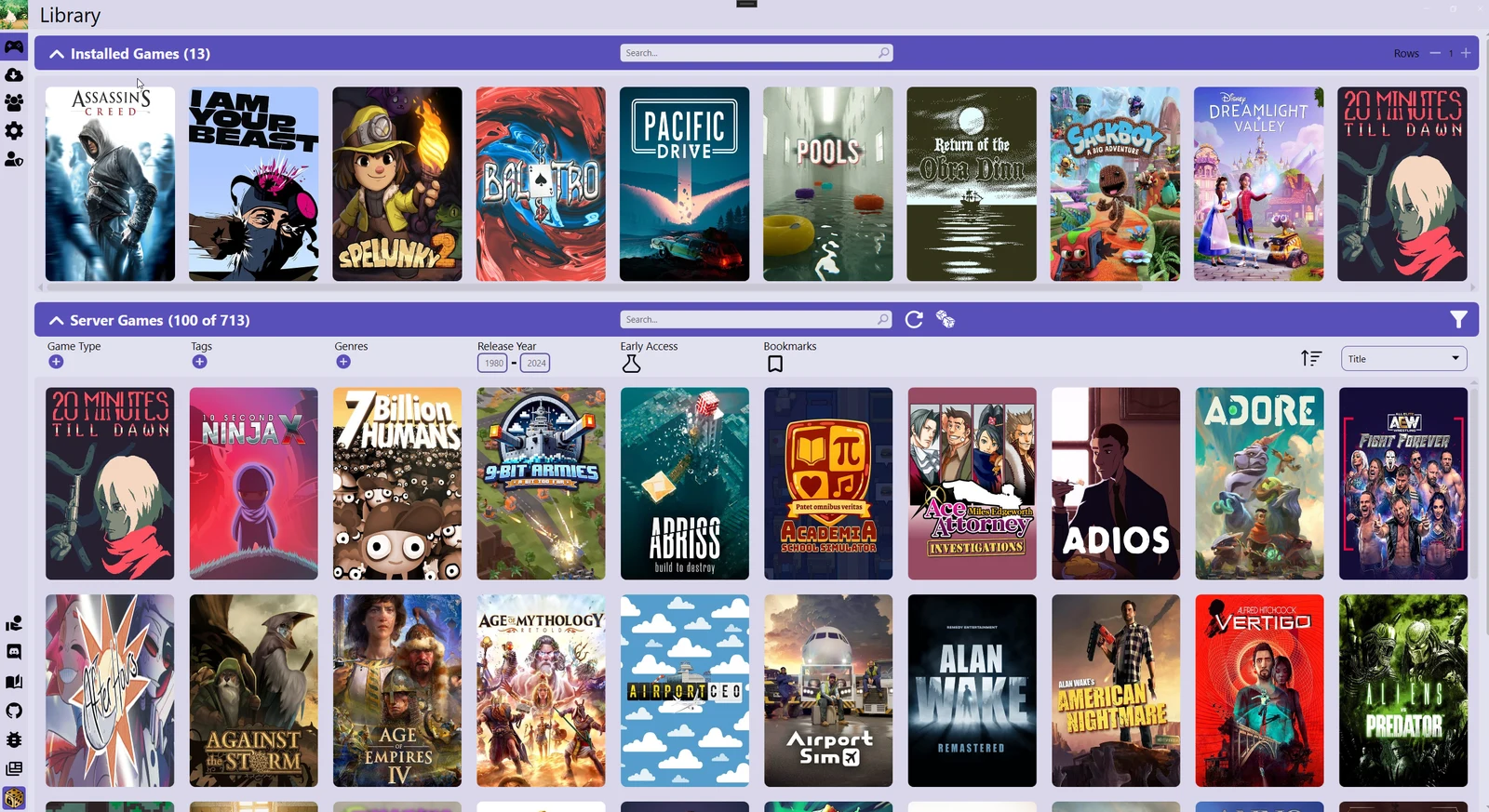
- Classic (Dark): keeps the colours of the pre-2024 design.
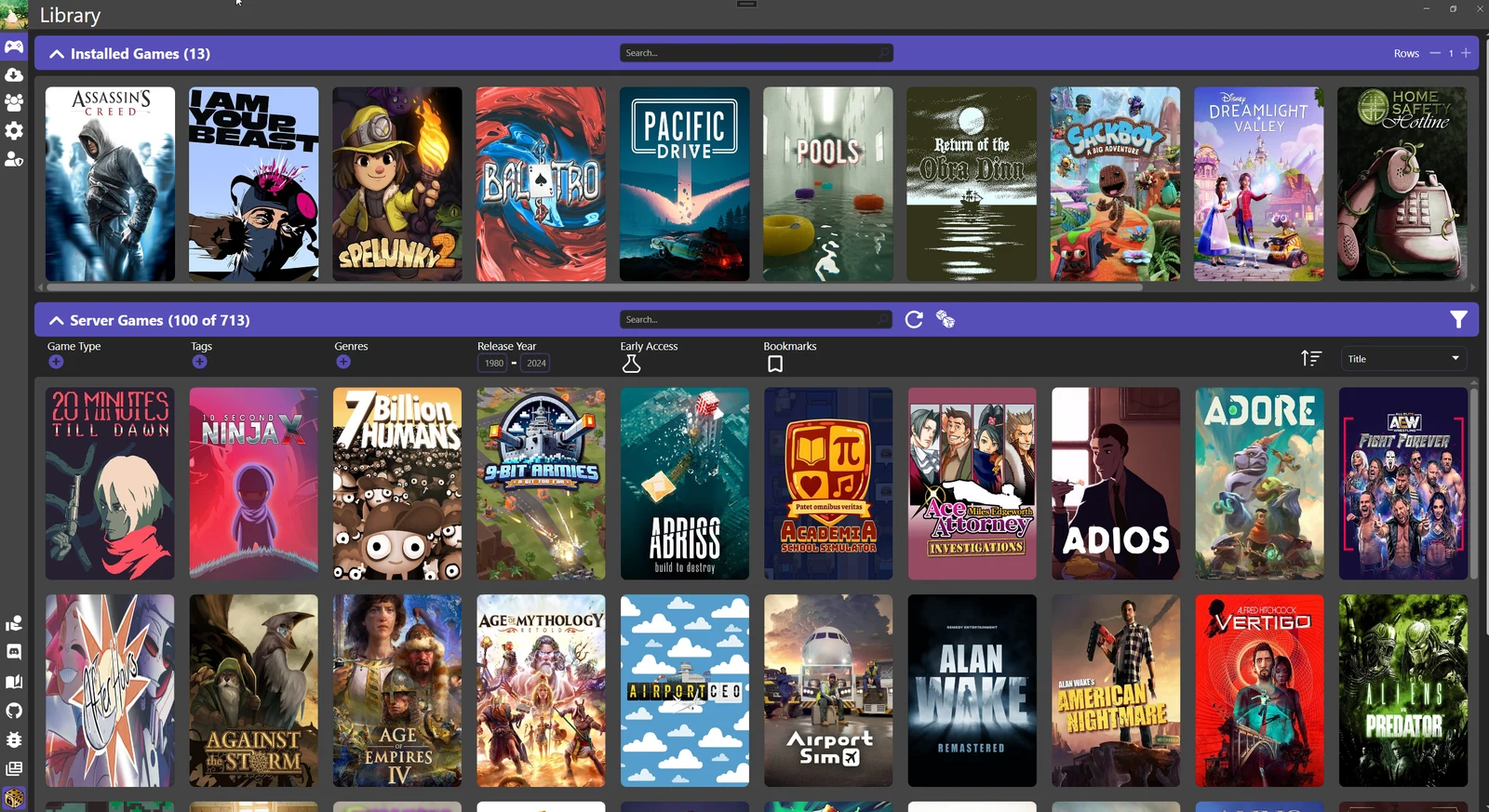
Community themes
Community themes are installed from the theme repository: open the community theme list in Settings → Application, pick a theme and press Install theme. Imported themes appear in the installed list, where you can also uninstall them or open the theme folder.
Premium and custom themes
Premium themes and custom themes require a GameVault+ subscription. The catalogue and the format for custom themes are documented under GameVault+ themes.
Next steps
- Settings
- Data locations: where imported themes are stored